 telegate↗
Less screen.
More life.
Talk it through. Send it off.
Let your agents work while you live.
“Ask Claude to turn this idea into a working prototype.”
Illustrated conversations. Connect your agents first.
One prompt.
A little more
freedom.
You already have an agent.
Let it handle the setup.
Or just copy + paste this prompt into your harness.
No setup prompt to write.
Community DIY preview. You’ll need a Mac, Xcode and an iPhone. Your agent guides Apple’s signing and device approvals. Bring your own OpenAI key; API usage and hosting costs are yours.
Talk with
your phone.
A real conversation.
A better brief. A clear next move.
Find the idea.
Press your Action Button shortcut or open Telegate. Start talking while the thought is still fresh.
Make it make sense.
Workshop it with ChatGPT voice. Add context, ask questions, and shape what you actually want done.
Give it somewhere to go.
Choose the computer and agent. Send the brief, end the call, and check back in Tasks when you’re ready.
 Powered by OpenAI voice.
Connected to the agents you choose.
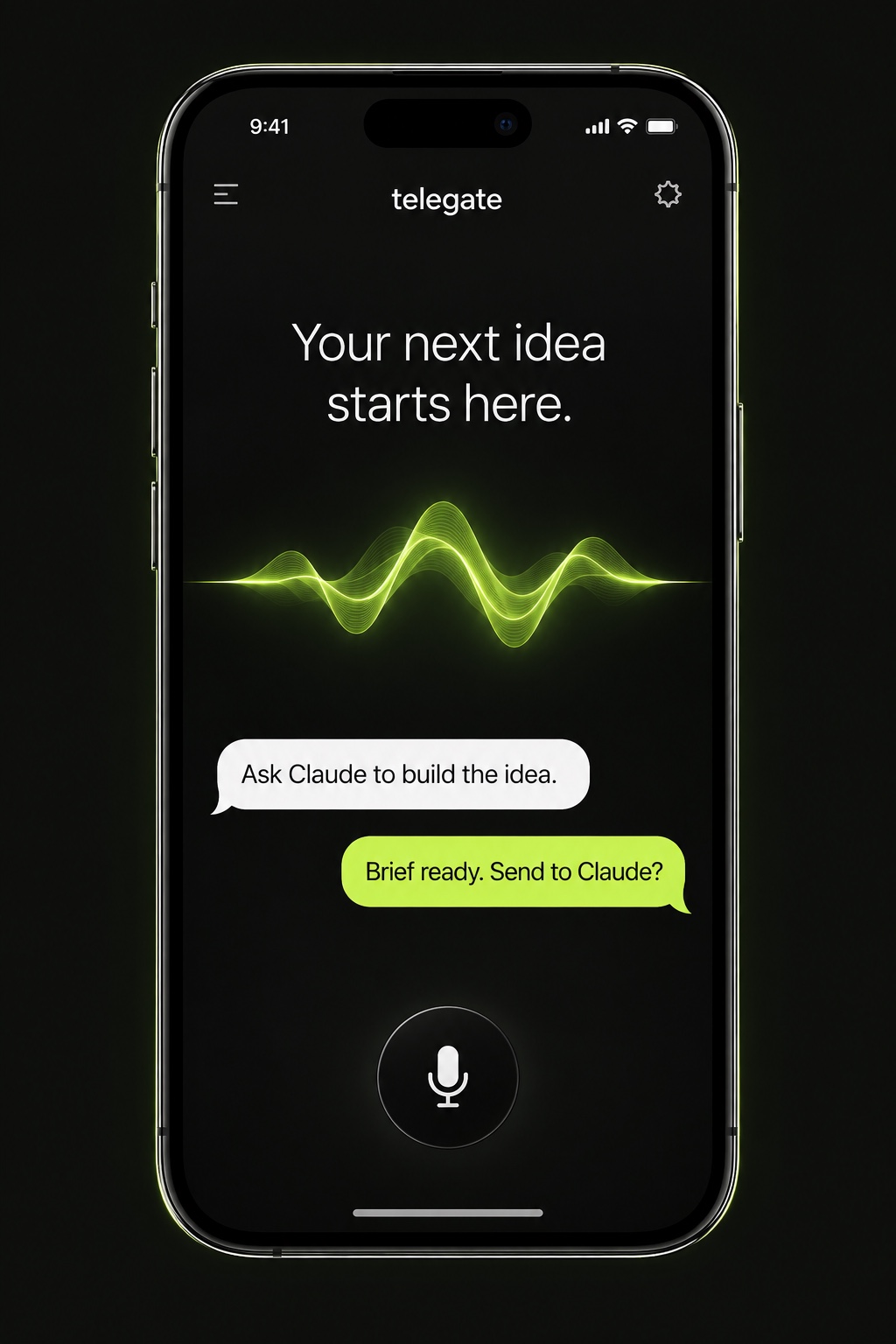
While your agents
work at home.
Or in the cloud. Same conversation. You choose where it goes.
Your conversation telegateYour brief 
Claude Code. Send a clear brief to Claude Code in the project folder you choose. It keeps its own tools and permissions.
Keep your computer awake and Connect running. Local adapters use your existing agent accounts and permissions. Cloud integrations require their own setup.